이 글 목차
watcher hook 아래서 `git rev-parse HEAD`와 `git log -1`이 어긋날 때
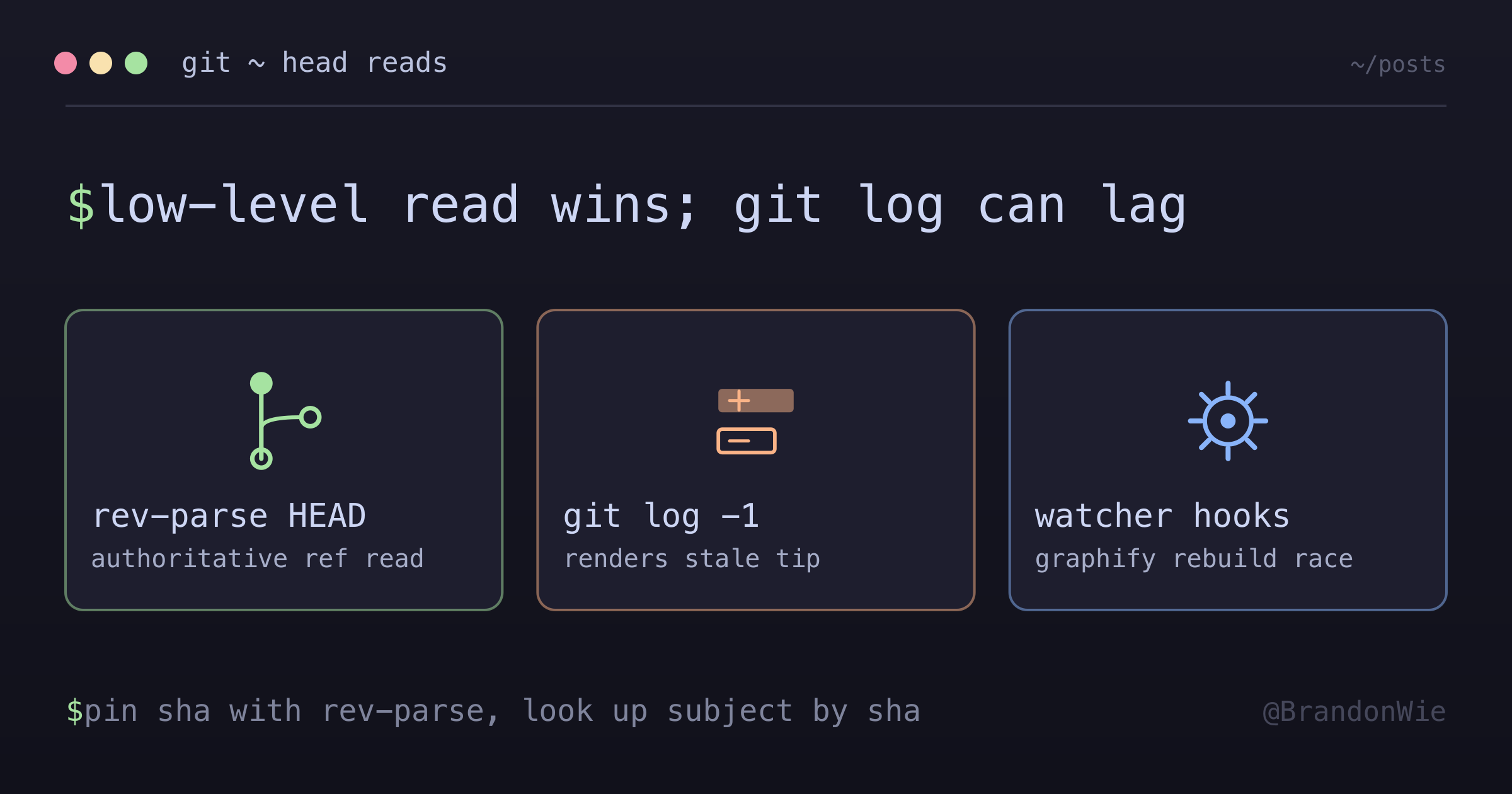
`gh pr merge` 끝내고 로컬에서 pull 받았는데, `git rev-parse HEAD`는 올바른 merge commit을 가리키고 `git log -1`은 방금 merge로 사라진 feature branch tip을 몇 초간 보여줬어요. checkout 도중에 graphify watcher rebuild가 돌고 있었어요. low-level ref 읽기가 권위 있고, log 렌더링은 늦어질 수 있어요.
gh pr merge가 PR #138을 merge하고 로컬 repo가 origin/main에 sync된 후, “내가 어느 commit에 있지?”를 묻는 두 가지 방식이 disagree했어요:
$ git rev-parse HEAD
234ba9b42169d22162c964d235b28c68be993c8b   # ✓ correct merge commit

$ git rev-parse origin/main
234ba9b42169d22162c964d235b28c68be993c8b   # ✓ matches

$ git log -1 --pretty=format:'%H %s'
0227f2eed0c5b18762ce895a346751571677901c test(integrations): symmetric...
                                          # ✗ this is the FEATURE BRANCH tip
                                          #   that was just merged AWAY from
두 명령 모두 같은 셸의 같은 repo에서 몇 초 차이로 실행됐어요. divergence는 몇 초 후 자체 해결됐어요(그리고 git reset --hard origin/main 직후엔 즉시 사라졌어요). 원래 관찰은 “이상한 거 봤다”로 무시하기 쉬웠지만, 두 read path 사이의 의미 있는 gap을 표면화시켰어요.
watcher가 뭘 하고 있었는지
git checkout main && git pull이 도는 동안 graphify watcher rebuild가 같이 돌았어요. 출력 스트림에서 이렇게 보였어요:
[graphify] Branch switched - rebuilding knowledge graph (code files)...
  AST extraction: 100/402 files (24%)
  ...
[graphify watch] Rebuild failed: Graph has 5196 nodes - too large for HTML viz.
watcher가 들고 있던 어떤 상태가 git log의 HEAD 읽기와 겹친 것 같아요. git rev-parse HEAD는 .git/HEAD를 그냥 읽는 얇은 wrapper라서 hook과의 접점이 거의 없어요. git log는 일을 더 많이 해요 — commit을 렌더링하고, first-parent를 따라가고, 출력을 포맷해요. 그만큼 hook이 file descriptor나 환경 변수에 남긴 부수효과에 흔들릴 여지도 커요.
이건 가설이지 증명된 게 아니에요. reproducer는 race를 잡을 만큼 짧은 succession으로 graphify watcher + git log를 실행해야 하는데, 계측이 어려워요. watcher 자신의 로그(“Rebuild failed: Graph has 5196 nodes — too large for HTML viz”)는 무관하고, git이나 watcher 어느 쪽도 HEAD-state sync gap에 대한 깔끔한 에러를 안 줘요.
rev-parse를 권위 있는 것으로 다루기
remediation은 기계적이에요: watcher hook이 실행 중일 수 있으면 HEAD-sha 쿼리에 git rev-parse HEAD를 권위 있는 것으로 다루세요:
# Authoritative HEAD check:
git rev-parse HEAD
git rev-parse origin/main

# If divergence with `git log` output, force resync:
git fetch origin main
git reset --hard origin/main
HEAD state를 안정적으로 읽어야 하는 automation에는:
HEAD_SHA=$(git rev-parse HEAD)            # cheap, authoritative
HEAD_SUBJECT=$(git show -s --format=%s "$HEAD_SHA")  # explicit lookup by sha
hook이 활성일 때 HEAD-state 쿼리에 git log -1을 피하세요 — 명시적 sha와 함께 git show -s --format=...을 선호하세요. 두 단계(sha 읽기, subject 조회)가 기계적으로 deterministic이에요. sha를 이미 pin했기 때문에 stale ref의 subject를 가져올 수 없어요.
한쪽이 다른 쪽보다 안정적인 이유
비대칭은 각 명령이 얼마나 많은 일을 하는지로 귀결돼요:
git rev-parse는 ref를 파일 단위로 읽어요. commit sha를 얻는 가장 싸고 안정적인 길이에요. 트리를 따라가지 않고, 렌더링도 없고,.git/HEAD를 여는 것 말고는 hook과 엮일 일이 없어요.git log는 일을 더 많이 해요. first-parent chain을 따라가고, commit object를 로딩하고, 출력을 포맷해요. 그만큼 hook 부수효과가 드러날 표면적이 넓어요.- watcher hook(graphify, Serena, post-checkout)은 셸 컨텍스트에서 실행돼요. file descriptor, 작업 디렉토리, 환경 변수를 공유해요. 부수효과가 끼어들 수 있어요.
git reset --hard origin/<branch>는 가장 안정적인 resync예요. 권위 있는 상태가origin/<branch>인데 로컬이 늦은 것처럼 보이면 fetch 후 reset —hard로 끊어내세요. 워크플로 한복판에서 hook을 디버깅하려고 매달리지 말고요.
이게 중요한 상황
규율의 가치가 있는 세 가지 컨텍스트:
- hook을 발동시키는 동작(checkout, pull, merge, reset) 직후에 HEAD 상태를 읽는 자동화 스크립트.
- watcher가 깔린 환경에서 “왜 git이 내가 엉뚱한 commit에 있다고 보지?”를 디버깅할 때.
- 무엇을 dispatch할지 정하기 전에 HEAD sha를 먼저 알아야 하는 CI pre-flight script.
hook 없이 그냥 인터랙티브로 쓸 때는 신경 안 써도 돼요(git log로 충분해요). graphify/Serena/custom watcher가 없는 repo, 그리고 watcher가 안정화된 다음(checkout 후 몇 초)에는 두 명령이 알아서 일치해요.
실용적인 takeaway
long-running git watcher hook이 checkout이나 pull 중에 fire되면, git rev-parse HEAD와 git log -1 사이에 짧은 divergence가 발생할 수 있어요. low-level read가 이겨요. rev-parse로 sha를 먼저 pin한 다음, git show -s --format=%s "$SHA"로 subject를 명시적으로 조회하세요. divergence를 봤고 복구해야 한다면, git fetch origin <branch> && git reset --hard origin/<branch>가 deterministic 경로예요.